The 30-second version
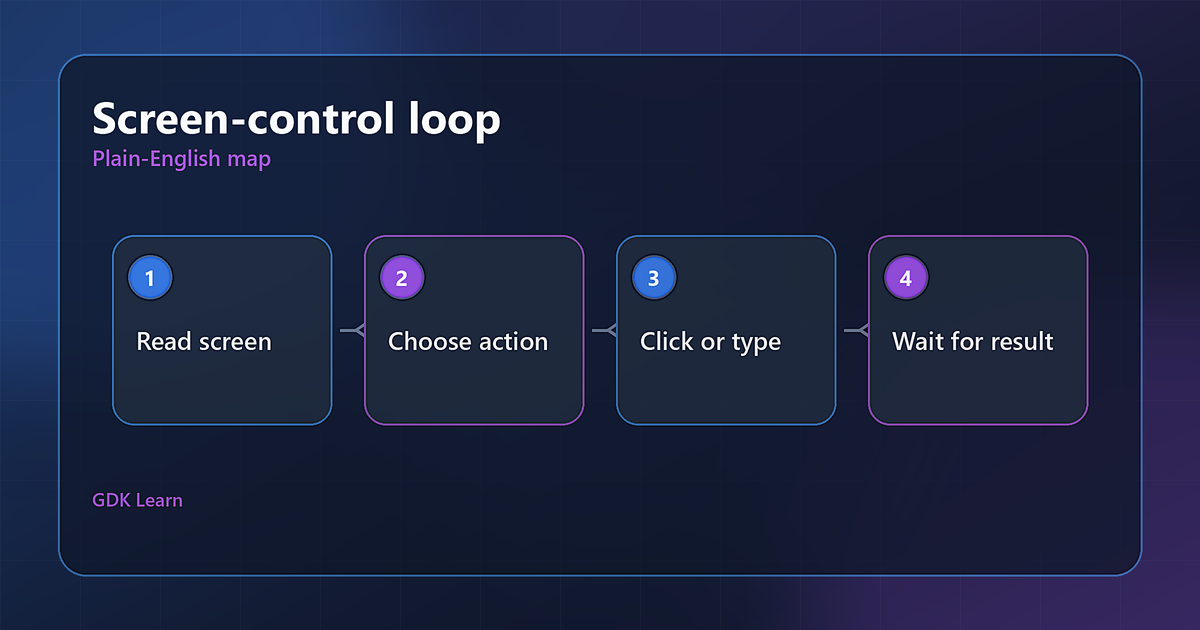
Most AI tools connect to other software through a clean back-door called an API, a proper plug built for machines. A computer use agent does something different and stranger: it uses the actual screen. It looks at the display, decides where to click, moves the mouse there, and types, the same way you would.
This matters because a lot of software has no clean plug to connect to. Old systems, websites without an API, internal tools nobody will ever modify. A computer use agent can operate those by just using them, which is powerful and also fragile.
A mental model you can keep
Picture a remote employee on a screen-share. You hand them control of a computer and they move the real mouse and keyboard, clicking through the same buttons and forms a person would. They are working the software from the outside, by operating it, not by talking to it through a special channel.
Contrast that with a normal integration, which is more like a programmer wiring two systems together behind the scenes so they exchange data directly, no screen involved. The computer use agent is the screen-share employee. The integration is the wiring in the wall. The screen-share is more flexible and far more likely to fumble when a button moves.
Why it is powerful and fragile at the same time
The power is reach. Because it operates software the way a person does, it can use almost anything with a screen, including systems that were never built to be automated and never will be. That opens doors a normal integration cannot.
The fragility comes from the same place. If a button moves, a page redesigns, or a popup appears, the agent can get confused, click the wrong thing, or stall, because it is reacting to pixels on a screen rather than a stable connection. It is slower and more error-prone than a proper integration, and it can take a wrong action in real software, which raises the stakes.
Where it fits, and where to be cautious
It fits when you genuinely need to operate software that has no other way in, and when the task can tolerate the occasional fumble or has a human watching. For bridging to a legacy system with no API, it can be the only practical option.
Be cautious everywhere else. For most small businesses, a computer use agent is not the right first tool. If a clean integration or a simple automation can do the job, that is almost always safer, faster, and cheaper. An AI clicking around in your real systems unsupervised is exactly the kind of power that needs hard limits and a human in the loop. Reach for it when you must, not because it sounds impressive.
The short reality check
A computer use agent is the most dramatic-sounding AI capability and one of the least appropriate for everyday business use. It is genuinely useful for a narrow problem, operating software that cannot be reached any other way, and risky as a general habit. The honest stance is to treat it as a specialized tool for a specific bind, kept on a tight leash, not as the future of how your business runs.
Short explainer video coming soon.
How this connects to what we build
We use a computer use agent only when a job genuinely needs software operated from the front and there is no cleaner way in, and even then with limits and a human in the loop. More often, the honest answer is a proper integration or a simple automation that does the job with far less risk. If the flashy option is not the right one for you, we will say so.