Frequently asked questions
How do you measure roof pitch with a phone?
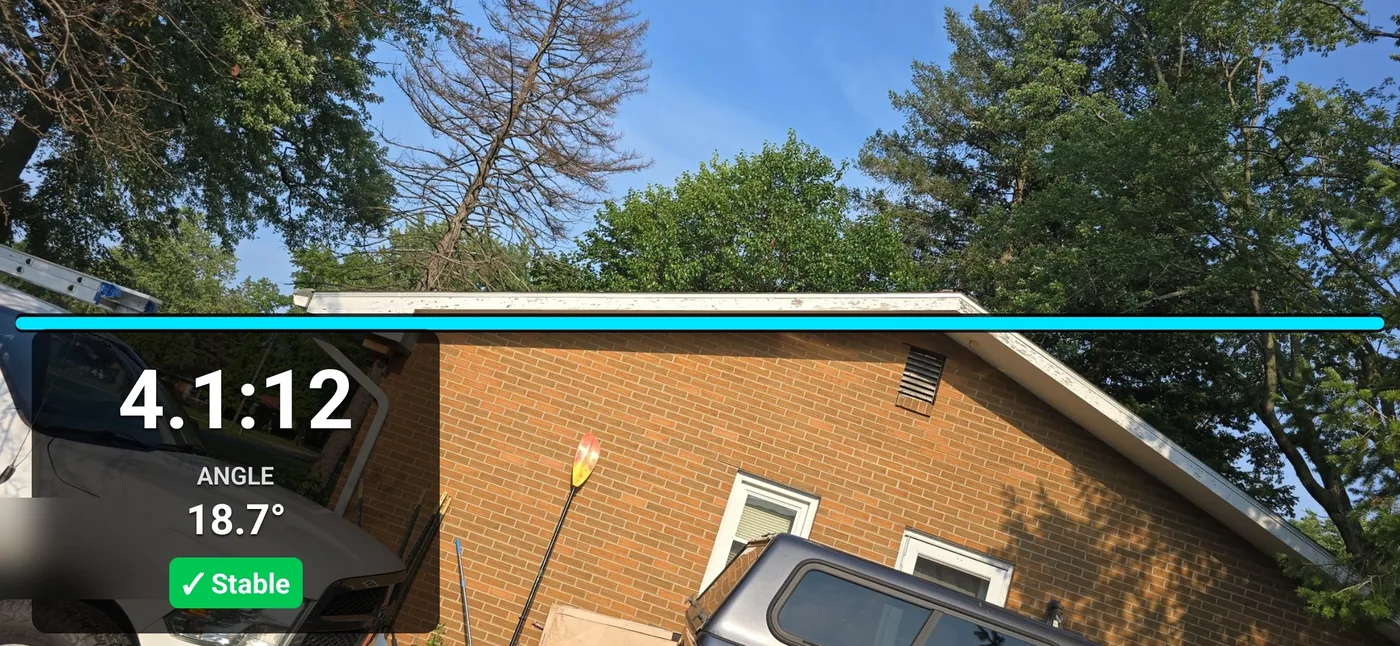
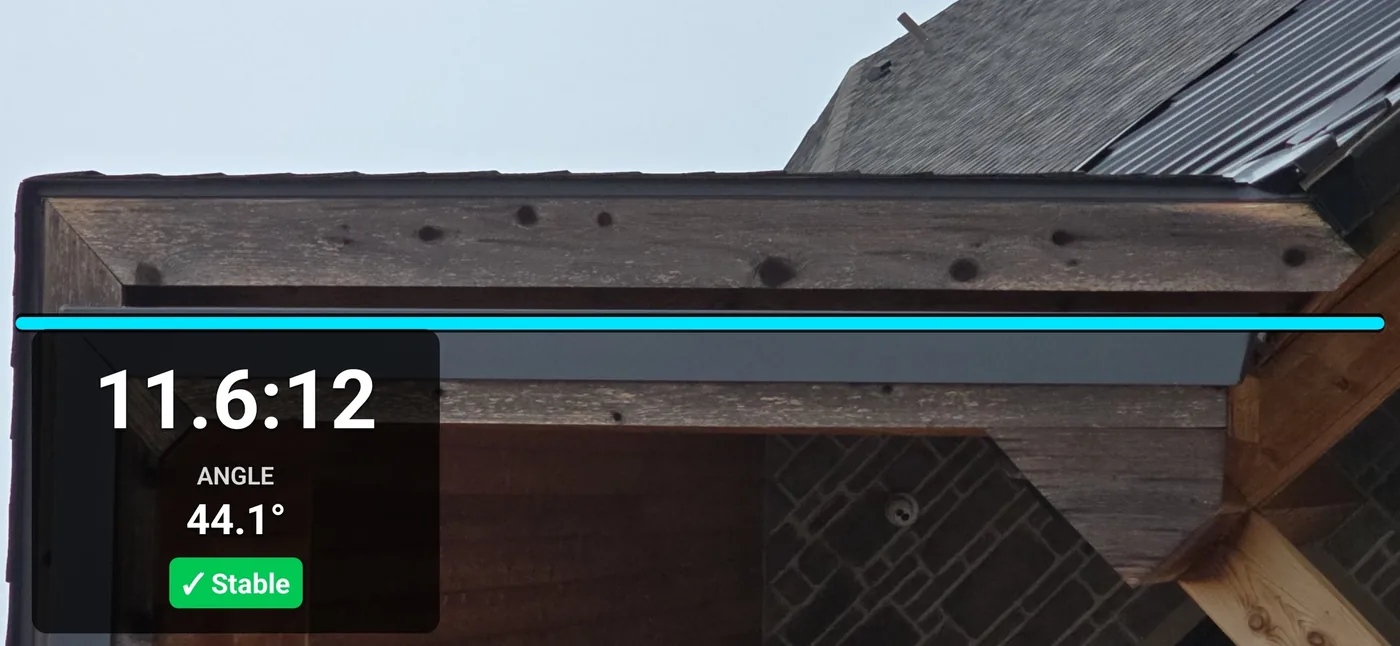
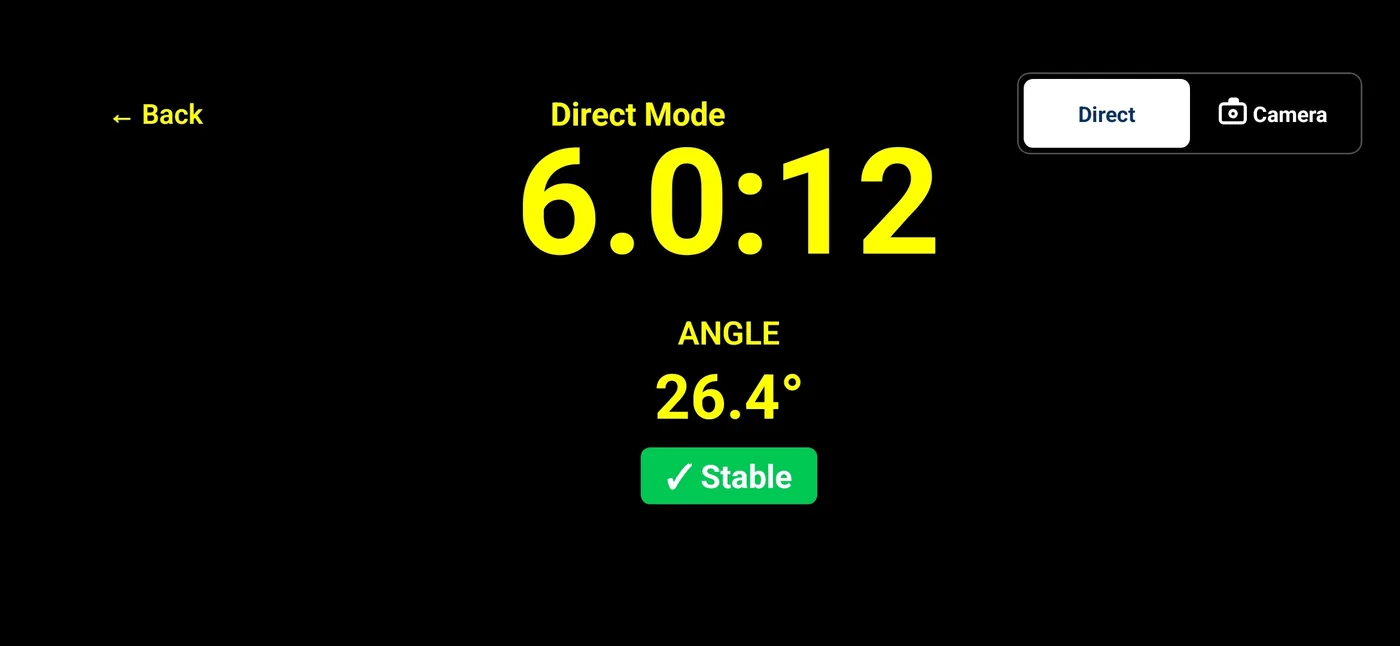
In Direct Mode, hold the phone in landscape with its long edge resting along a safely accessible slope in the direction of fall. The app reads device inclination from motion sensors. Camera Mode puts a fixed guide beside that sensor reading in a live view; it does not calculate roof geometry from the photo. Check calibration, placement, and the limits of each mode before relying on a reading.
What is the difference between Direct Mode and Camera Mode?
Both modes read device inclination from motion sensors. Direct Mode uses contact with the surface and saves the measurement screen. Camera Mode shows a fixed guide in a live camera view and saves the photo with an overlay. Camera alignment and stability do not establish the actual roof angle.
What does a 6:12 roof pitch mean in degrees?
A 6:12 roof pitch rises 6 inches of height for every 12 inches of horizontal run. That
works out to 26.6 degrees, or a 50 percent slope. In Imperial mode Pitch Please shows the
X:12 pitch alongside its angle in degrees, so you do not have to convert between those
two.
What is a roof pitch multiplier?
The pitch multiplier converts the horizontal projected area of a roof plane into sloped surface area. At 6:12, 2,000 square feet times 1.1180 is about 2,236 square feet. Include overhangs, handle different pitches separately, and add waste allowances separately. The calculator and chart on this website provide reference math; Pitch Please does not calculate a material estimate.
What counts as a steep-slope roof?
On this site, "steep pitch" describes slopes above 8:12. Exactly 8:12 is outside that description. This is a description for homeowners and roofers, not a material, code, or fall-protection threshold. Follow the applicable manufacturer instructions, building code, and safety requirements. A 12:12 roof is 45 degrees; pitches above 12:12 rise more than they run.
Which devices does Pitch Please run on?
Pitch Please runs on iPhone and iPad with iOS or iPadOS 16.4 or later, and Android phones and tablets with Android 10 or later. It is distributed through the Apple App Store and Google Play. Check your device compatibility on its store listing before purchase.
Is Pitch Please accurate enough for engineering or code decisions?
Pitch Please is a field reference and photo documentation tool, not a certified engineering instrument. Verify material orders, final estimates, code, engineering, safety, or construction decisions with the required instruments and your local requirements.
Does Pitch Please need an account or an internet connection?
No account is required. Measurement, capture, Saved Pictures, annotation, and in-app Help work offline. When online, the app checks a public version file for update information; it does not upload your measurements or pictures. See the Pitch Please privacy policy for permission and update-check details.
Can I still download the Pitch Please APK from this site?
No. The direct APK download was retired when Pitch Please shipped on Google Play.
Install it from Google Play or the Apple App Store so you get signed builds and
automatic updates.
Can I calibrate Pitch Please?
Yes. Pitch Please includes built-in calibration in Settings. Follow the in-app Help and verify important readings independently; calibration does not remove placement or perspective errors.
Can I add job notes to a saved picture?
Every deliberate capture is kept in the on-device Saved Pictures archive before export. Reopen a capture to add movable, resizable Address, Job number, or Notes labels with separate text and background colors. Annotated copies keep the original unchanged. When photo permission is available, the app also saves a copy to your device photo library.
How do I get help with Pitch Please?
Email support@gdkdigital.com
or start at the Pitch Please support page, which
lists what to include so we can reproduce the issue quickly.